



In this guide
Field definition and field value
The definition sets the type, area, options and position. The entered value belongs to a particular contact, transaction, employee or media item. A field definition is not yet completed information.
Prepare a definition
- With system-administration permission, open Custom fields.
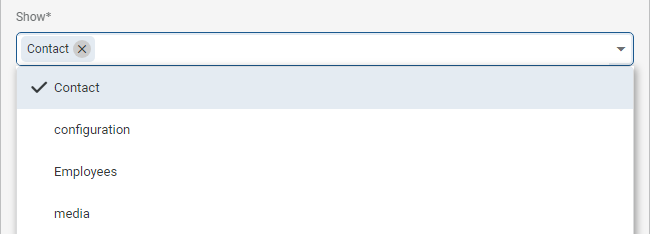
- Select the required data type and display areas.
- Check contact types, categories and intended document use.
- Position the field using the help table under Order. Intermediate values are supported.
- Check required team and field access.
- Save and check the display on the correct business record.
Containers
Containers allow repeatable entries. Changing the structure, defining child fields and editing an individual value are different permissions and operations. Permission to edit a value does not automatically allow adding, removing or reordering entries.
Signatures and documents
Signatures use their own capture and file process. A definition alone is not a signed declaration. Where relevant, check the PDF actually generated. A saved document is not automatically a live view of customer values changed later.
Do not change existing types or assignments speculatively. Before removing a definition, clarify existing values and its use in templates.
