



In this guide
Status is more than a note
A status entry includes a type, reference, date, memo and responsibility. An existing definition supplies defaults; the actual entry applies it to a customer or employee. A status entry may affect automatic actions or appointments.
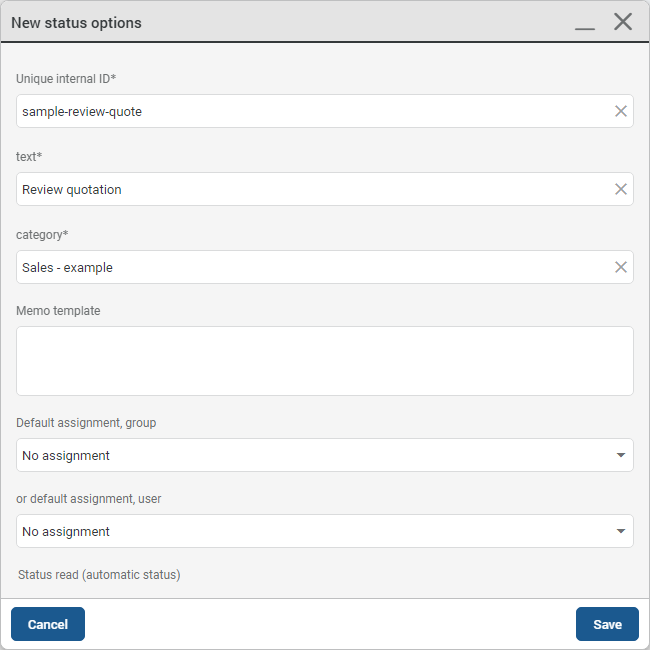
Create a status entry
- Open the correct customer or employee area.
- Select the appropriate status type.
- Check date, start time, duration and note.
- Check the actual user or team assignment, even if a suggestion is prefilled.
- Consider possible follow-up actions and save deliberately.
- Check the resulting history and any related appointments.
Multiple selection
Several assignments may create several independent entries. One response does not mean that only one status row was created. Check the actual history.
Read and completed
Read status is not a payment, a confirmed delivery or completed work. Even an automatically prefilled read marker does not prove that someone personally opened it.
Edit and remove
Changing a date may move applicable follow-up jobs that are still open. Removing an entry does not undo actions already executed. After changes, therefore check the status, appointment and job separately.
